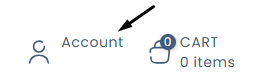
- Click on the "My Account" icon located at the top right of the page.
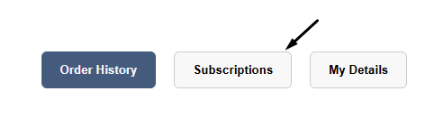
- Click on "Subscriptions."
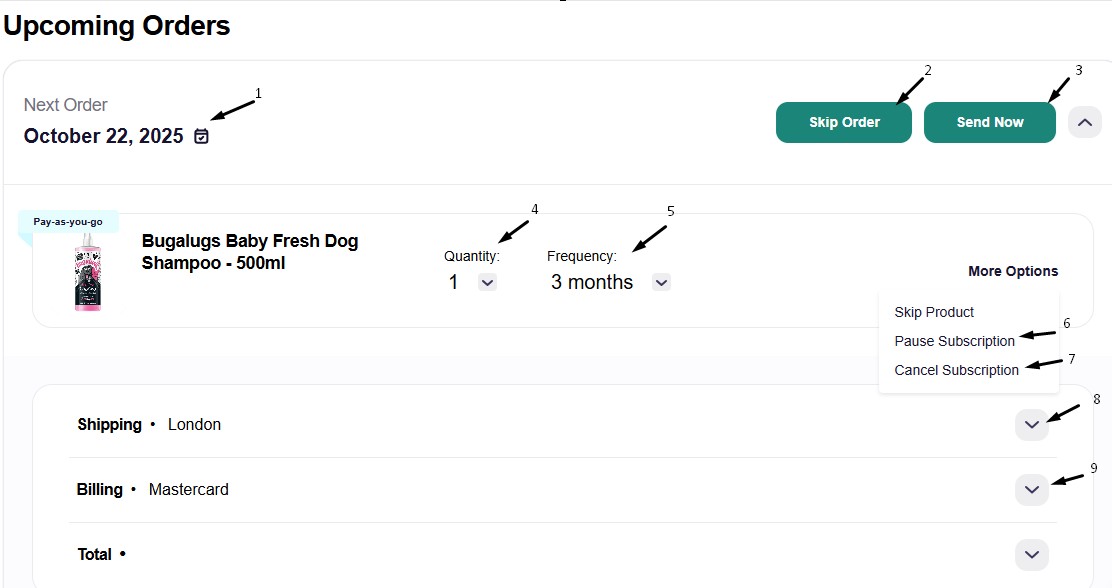
- Then click on the following to view your subscription

This area will show you all your subscriptions. In this section you can:
- Change the generation date
- Skip order
- Send now
- Change the quantity
- Change the frequency
- Pause the subscription
- Cancel the subscription
- Change the delivery address
- Change the payment method