
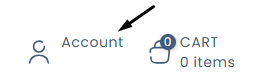
- Click on the "My Account" icon located at the top right of the page.
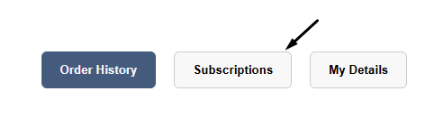
- Click on "Subscriptions."
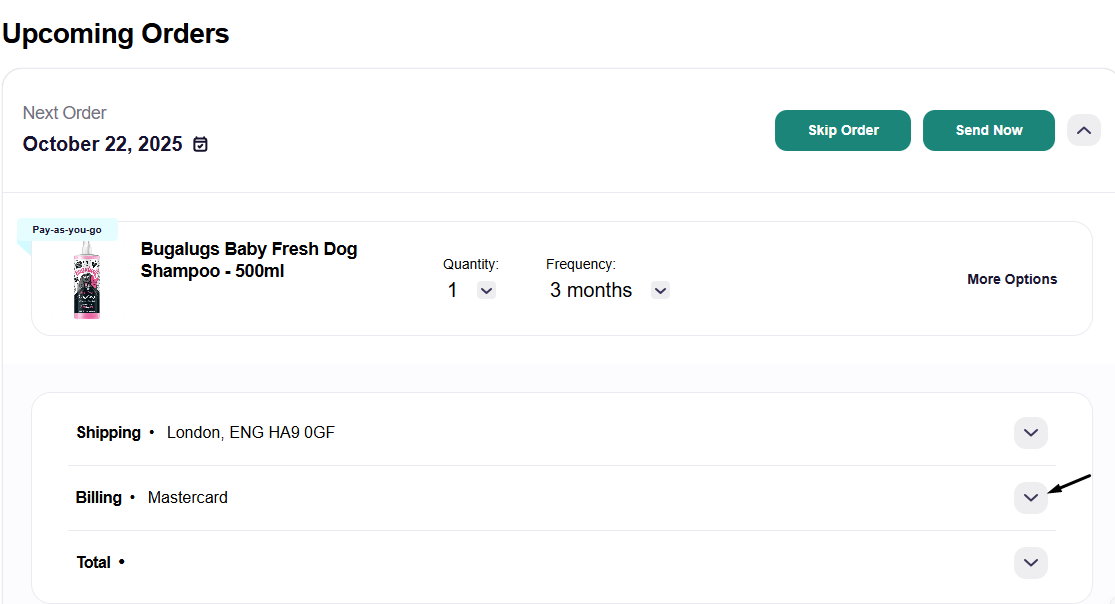
- Then click on the following to view your subscription

- Next, under Billing, click the arrow to expand the section.
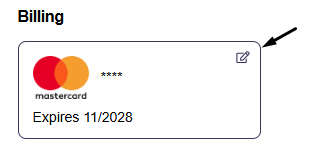
- Then, click on the existing payment method.
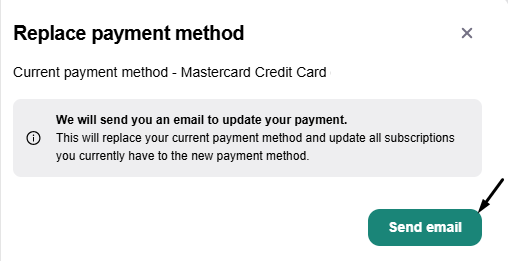
- Next, click "Send Email" to receive a secure link for updating your payment details.
- Open your email inbox and click on "View Payment Information."
- From there, you can update your payment method.
